What Are AI Agents?
Your AI just got hands. Here's what that actually means - without the jargon.
What is an AI agent?
An AI agent is software that plans its own steps, uses real tools (browser, files, APIs), and checks its own work in a loop, without a human directing each step. A chatbot answers questions. An agent completes tasks.
The simplest way to understand the difference: a chatbot is a waiter reading you the menu. An agent is a chef. You say "make me dinner with what's in the fridge." The chef opens the fridge, picks a dish, cooks it, tastes it, adjusts the salt, plates it.
Three things turn a chatbot into an agent:
- It plans. It figures out the steps on its own.
- It acts. It uses real tools: your browser, your files, your inbox.
- It loops. It checks its own work, catches mistakes, tries again.
Miss one of those three and it's not an agent. It's a chatbot in a chef's hat.
What are the 5 levels of AI autonomy in 2026?
AI tools fall on a spectrum from pure conversation to autonomous multi-agent systems. The 5 levels map tool type to autonomy level.
Level 1: The Chatbot
You type, it answers. Examples: ChatGPT, Claude in the browser. You do all the work - the AI just responds.
Most professionals who "tried AI once" still live here.
Level 2: The Sous-Chef (Claude Cowork)
Claude Cowork became generally available on April 9, 2026 on Pro, Team, and Enterprise plans for Mac and Windows. Cowork sits next to you at your desk, opens your apps, reads your files, and works alongside you on multi-step tasks.
The difference between Claude and Cowork: texting a colleague a question vs. having that colleague sit at your desk and work with you.
Level 3: The Solo Chef on Your Stove
You build an agent yourself using Claude Code or OpenClaw. It runs on your laptop. You leave the kitchen and come back to check the result.
Powerful, but you own the infrastructure and the security risk.
Level 4: The Solo Chef on Anthropic's Stove (Managed Agents)
Claude Managed Agents launched in public beta on April 8, 2026. Same capability as Level 3, but Anthropic hosts the agent. No servers to maintain. No security to harden. Notion, Asana, and Sentry are already using it.
Level 5: A Company of Chefs
Multiple agents with an org chart, budgets, an audit trail, and you as the board of directors. This is where Paperclip lives, covered in a separate article.
Which AI tool should I use in 2026?
The 5 tools most non-technical professionals are using right now, ranked by autonomy level:
- Claude Chat (claude.ai) - Free or €17/month for Pro. Starting point for any professional.
- Claude Cowork - €17+/month. Desktop app that works alongside you.
- OpenClaw - Free, open source, self-hosted. Flagged by Cisco for security issues. Bitdefender found nearly 900 malicious packages in its plugin registry. Skip unless you're a developer who understands sandboxing.
- Claude Code - The command-line workshop for building agents. Not an agent itself, but the tool you use to create one.
- Claude Managed Agents - Public beta since April 8, 2026. Anthropic-hosted agents.
What are the 6 components of a working AI agent?
Every functional agent needs 6 components working together. A great framework on a basic model beats a great model with no framework.
01 - Agent Card
The job description. What does the agent do? When does it run? What can it decide alone? One page. Skip this and nothing else matters.
02 - Skills Files
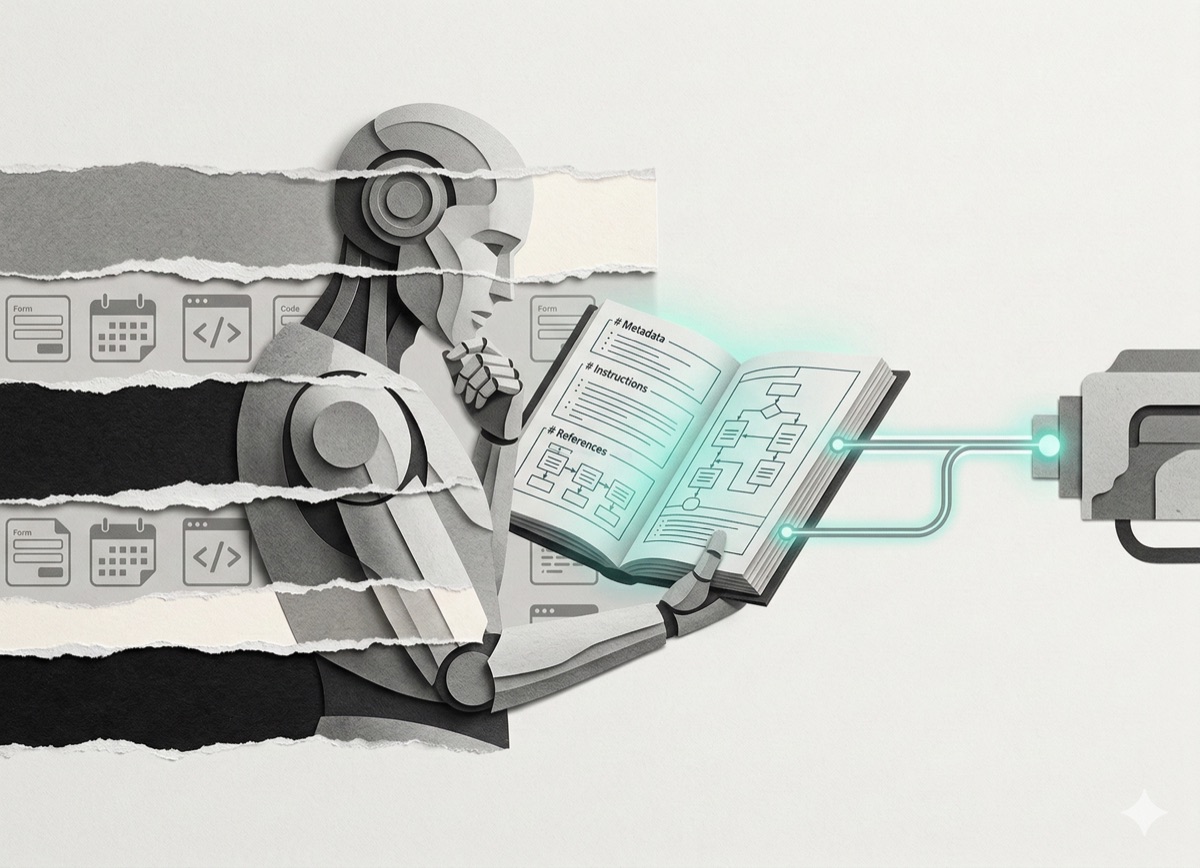
The recipe book. Step-by-step instructions the agent reads before deciding anything. No recipe book means the agent guesses.
03 - Memory
Previous decisions, client preferences, what worked before. Without memory, the agent shows up every Monday with total amnesia.
04 - Context Connections
What systems does the agent reach into? Files, email, databases, web. Connected, not isolated.
05 - Governance Rules
When can the agent act alone? When does it stop and ask? What's off-limits? Most public "agents gone wrong" stories are agents without governance.
06 - Routine Schedules
What triggers the agent? Time-based (every 8 hours)? Event-based (new email arrives)? Get this wrong and the agent runs overnight, burning hundreds of euros in API tokens.
Most non-technical people build component 02 (a prompt) and call it an agent. Then they wonder why the output is garbage.
How do you build an AI agent without coding?
You build it in 3 steps: plan, build, iterate. You don't need to write code. You need to describe what you want, step by step.
Step 1: Plan it in conversation
Before building, think. Open Claude or Cowork and describe the workflow you want to automate. Include:
- Current workflow (what you do manually now)
- Inputs and outputs
- Where the agent should pause for approval
- Voice or style files the agent should reference
Claude Code has a /plan mode that does the same thing - type the command, describe the agent, and it maps the architecture before writing a single line of code.
Step 2: Build it in Claude Code
Once the plan is clear, Claude Code reads your files, writes the code, runs it, fixes errors, and loops until the job works.
You provide the thinking. Claude Code writes the code. You watch and course-correct.
The terminal is the only barrier, and it's smaller than it looks. Claude Code runs inside VS Code with no direct terminal interaction needed.
Step 3: Run, break, fix
The first version will be messy. That's the point. Run it on a real task. Watch what it gets wrong. Tell Claude Code to fix it. Every cycle improves the output.
What works when building agents:
- Start with ONE agent doing ONE thing, not five
- Give it your voice file or style rules
- Always add an approval step before anything goes live
- Keep the scope small ("draft one LinkedIn post" beats "run my content strategy")
What are the biggest risks of running AI agents?
The 5 most common agent failures cost time, money, or both.
- Cost blowups. Agents running overnight can burn hundreds of euros in API tokens. Set a spending limit before you hit run.
- Security incidents. OpenClaw is the cautionary tale - broad permissions plus no boundaries equals chaos. Don't give agents access to anything you'd panic about losing.
- Memory loss on reboot. Some agents forget everything on restart. Check what kind of memory the tool has before trusting it.
- Doing exactly what you said. Agents don't question intent. If you don't define where to stop, they don't stop. Governance (component 05) is not optional.
- Complexity creep. One agent becomes three becomes ten. Suddenly nobody knows which agent did what.
How should a non-technical professional start with AI agents?
Start at Level 1 with one real task. Not a demo. Not a joke. A real task from your actual work week.
Open claude.ai. Create a free account. Pick a task you've been putting off - a proposal, an email you don't want to write, a report you'd rather not start. Give it to Claude. See what happens.
That's the whole first assignment. Level 2 comes when Level 1 feels boring.
If you found this useful, I send one like it every week.
Subscribe free → - Lucija Tomšić · brisk.vision