Carousels.
I burned out making them by hand. Claude + Nano Banana 2 brought me back.
I have an Instagram account with 17,000 followers. All organic. Every single visual designed by me. Every video edited by me. Every carousel assembled slide by slide, font by font, pixel by pixel.
I know 17,000 doesn't sound like much anymore. A few years ago it was a big deal.
I haven't posted on it in 4 years.
The algorithm kept changing. One month your content reached your audience. The next month Instagram decided who sees what. Then ads flooded the platform. Suddenly the game rewarded mass production over quality. Post more. Post faster. Post every day or disappear.
I refused to play that game. So I stopped.
I burned out. Walked away completely.
But I kept watching. And lately I noticed something. Creators are using AI to generate carousels and images at scale. Entire visual brands built in minutes.
The problem: a lot of it is slop. Generic. Soulless. The kind of content that makes you scroll faster, not slower.
But it doesn't have to be.
I spent the last few weeks figuring out how to do this properly. Not mass-produced garbage. Carousels that actually look like someone with taste made them. Original images, not stock photos. Brand-consistent visuals, not random AI output.
I'm not going back to Instagram (at least not yet). But I'm not letting you miss out on this either.
Here's the step-by-step system using Claude and Nano Banana 2.
Why does "make me a carousel" produce bad results in Claude?
Open Claude. Paste an article. Type "turn this into an Instagram carousel."
You'll get text on slides. Technically correct. Visually dead. It looks like every other AI-generated carousel on the platform. Generic hook. Generic layout. Zero personality.
That's not Claude's fault. That's a prompt problem.
Claude is not a design tool. Claude is a content strategist that happens to output files. When you treat it like a template machine, you get template results.
The fix is a system with three pieces: a brand system document, a content-to-carousel prompt, and AI-generated visuals from Nano Banana 2.
How to turn a Substack article into a branded Instagram carousel with Claude and Nano Banana 2
What is a brand system in Claude, and why do you need one?
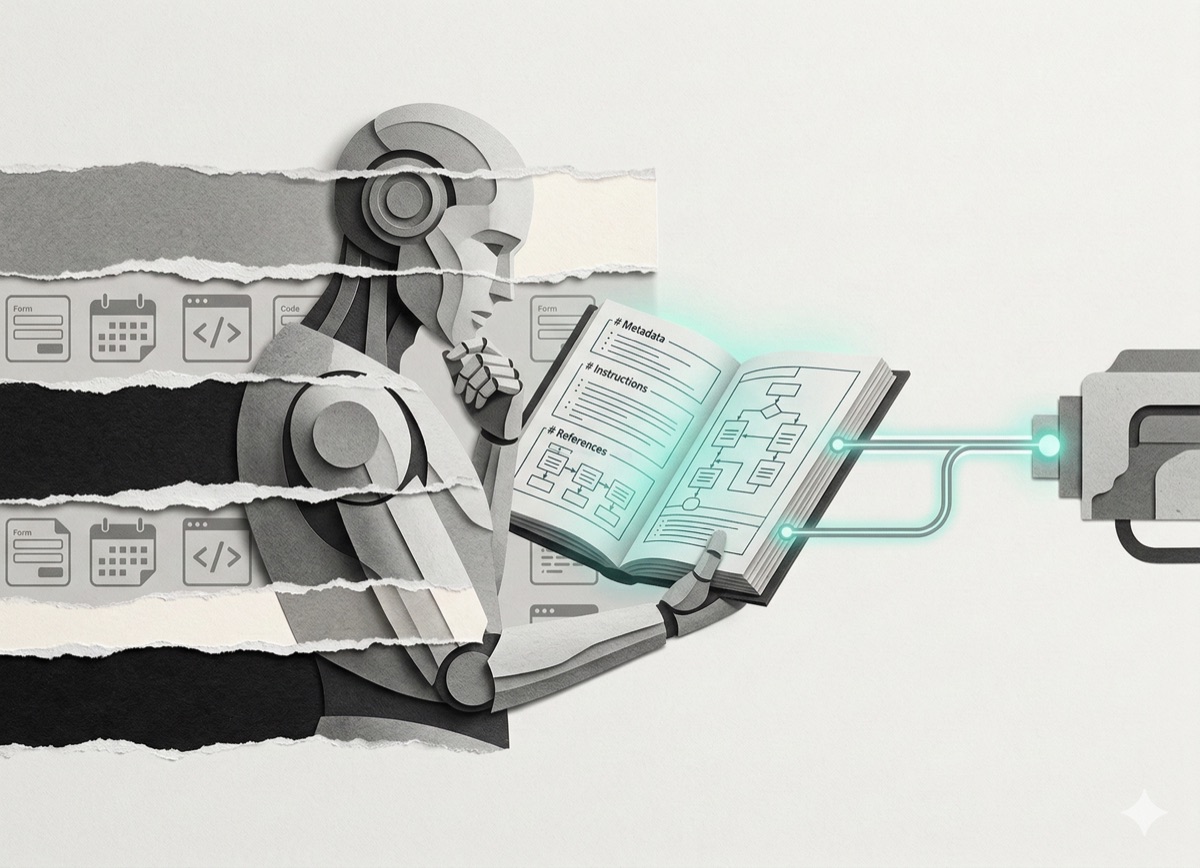
A brand system is a document that tells Claude exactly how your brand looks and sounds. It includes your brand name, target audience, color palette with hex codes, typography choices, and voice description.
Upload it to a Claude Project as a Skill. Claude remembers your visual identity for every future conversation. No more "make this teal" or "use this font." It already knows.
I built a brand system template and a prompt that generates one for any brand. You can download both in the resource section.
How do you prompt Claude to convert long-form content into carousel slides?
This is where the magic happens. You give Claude your long-form content (a Substack article, a newsletter, a blog post) and a specific prompt that tells it how to think about carousels.
Not "make me slides." Something much more precise.
The prompt instructs Claude to:
- Read your article and identify the strongest standalone ideas
- Structure them into a narrative arc (hook slide, tension, payoff, CTA)
- Decide how many slides the content actually needs (not always 10)
- Write slide copy that works for the carousel format, not just chopped-up paragraphs
- Match each slide to the visual energy it needs
Claude understands that slide 1 must stop the scroll. That the middle slides need to build tension. That the last slide requires a clear call to action. It's not copying text onto rectangles. It's reconstructing your content for a completely different medium.
I'll share the exact prompt with subscribers. It's the backbone of the whole system.
How do you use Nano Banana 2 to generate carousel background images?
Nano Banana 2 is Google's AI image generation model, built on Gemini 3.1 Flash. It generates images at 4K resolution with accurate text rendering across multiple languages. Cost per image: approximately $0.04 through the Google AI Studio API (pay-as-you-go).
Instead of stock photos or solid-color backgrounds, you generate original images tailored to your brand.
The workflow:
- Find a visual aesthetic you like (Pinterest is perfect for this)
- Screenshot the reference image
- Upload it to Claude
- Ask Claude to analyze the style and write a detailed image generation prompt
- Copy that prompt into Nano Banana 2
Do this in batches. Spend one session generating 20–30 images. Over a few weeks, you'll have a library of 60–100 reusable visual assets.
How does Claude match images to carousel slides automatically?
Upload your batch of images to the same Claude Project alongside your article and brand system. Ask Claude to evaluate each image by mood, visual energy, and space for text overlay, then match them to slides.
Claude picks a high-energy image for the hook. A calm image for context. An image with negative space for a headline. These are design decisions a human art director would make. Except it takes minutes instead of hours.
How to build a complete visual brand identity from a single URL using Claude Code and Nano Banana 2
Maybe you've been thinking about starting an Instagram account. Or you have a brand but no visual identity to work with. You don't know what cohesive even looks like for your content.
There's a system for that too. And it starts with one thing: a URL.
Step 1: How does Claude Code research a brand automatically?
Claude Code is the terminal version of Claude, built for automated workflows. Open it and paste this prompt:
You are a world-class brand strategist and creative director. I'm going to give you a brand's URL. Visit the website and extract everything needed to fully understand this brand.

Extract:
- The brand name and what it sells
- Its target audience in detail
- Its brand tone and voice
- Its visual style, colors, and aesthetic
- Its key messages and value propositions
- Its competitive positioning
- The emotions it wants to evoke in its customers

URL: [PASTE URL HERE]

Give me a complete brand intelligence report before we create anything.
Claude Code visits the website and builds the full brand profile. About 3 minutes.
Step 2: How do you generate 40 brand-specific image prompts with Claude Code?
Once Claude Code has the brand report, paste this:
You are now a world-class advertising creative director specializing in creating scroll-stopping visual concepts.

Using everything you just learned about this brand, generate 40 complete image generation prompts for Nano Banana 2.

For each prompt:
- Make it specific to this brand's visual identity and audience.
- Vary the format across product, lifestyle, emotional, minimalist, and bold graphic styles.
- Make each prompt production-ready with fully described lighting, composition, mood, style, and subject.

Format: Ad 1: [FULL PROMPT] Ad 2: [FULL PROMPT] ... through Ad 40.

Each prompt should feel like it was written by a senior art director who has studied this brand for months.
About 5 minutes.
Step 3: How do you generate 40 images in Nano Banana 2?
Take the 40 prompts in batches of 5. Paste each into Nano Banana 2 with this add-on at the end:
Square format, hyperrealistic, 8k, consistent brand colors, no text, no words, production-ready advertising visual.Nano Banana 2 generates each image in seconds. 40 images in about 20 minutes. Total cost: under $2.
Step 4: How do you use Claude Code to review image quality automatically?
Go back to Claude Code. Paste this:
Here are the 40 ad prompts we generated for this brand: [PASTE THE 40 PROMPTS]

Now act as a creative director reviewing this campaign before sending it to the client.

For each ad tell me:
- Whether the concept is strong or weak for this brand.
- Which are the 10 strongest ads and why.
- Which 5 should be regenerated with better direction.
- What the improved prompt should be for each of the weak ones.

Give me a final shortlist of the 15 best ads, ranked by expected performance.
Claude edits its own work and leaves you with only the best. About 5 minutes.
What are the total time and cost for this system?
- Brand research: 3 minutes
- 40 image prompts: 5 minutes
- 40 images generated: 20 minutes
- Quality review and shortlist: 5 minutes
- Total time per brand: under 35 minutes
- Total cost: under $2 in image generation
Here's what makes this powerful. This isn't just for your own brand. Run the same system for a client. New URL, same prompts, same workflow. You could charge €200–2,000 per brand depending on the scope. One system. Unlimited clients. No design skills required.
What actually separates good AI carousels from AI slop?
Both systems share one principle: your AI is only as good as the system you give it.
A brand system document. A library of custom images. A content prompt that tells Claude how to think, not just what to do. That's the difference between AI slop and content you'd actually post.
You don't need to learn code. You don't need Canva. You don't need a design background.
You need structure. Claude runs the rest.
Tonight, open Claude. Create a new Project. Write a one-page brand system. Generate 5 images in Nano Banana 2. Upload an article you've already written. Ask Claude to build a carousel.
The first one takes 30 minutes. The second one takes 10. By the third, you'll wonder why you ever did this manually.
The full prompt stack, the brand system template, and the content-to-carousel prompt are all packaged for subscribers. You'll get them in the welcome email.
If you found this useful, I send one like it every week.
Subscribe free → - Lucija Tomšić · brisk.vision