OpenClaw (FKA Moltbot, FKA Clawdbot).
The Open-Source AI Agent That Actually Does Things.
What Is OpenClaw and How Does It Work?
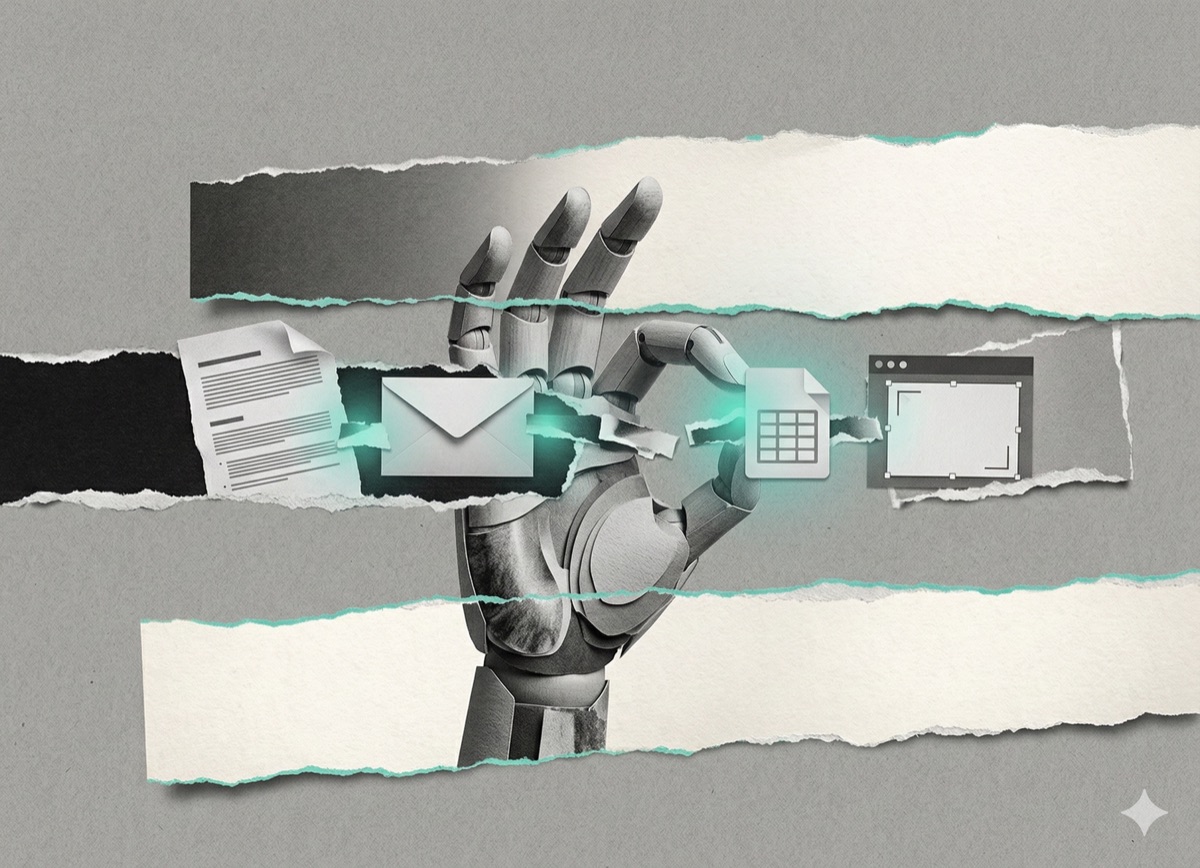
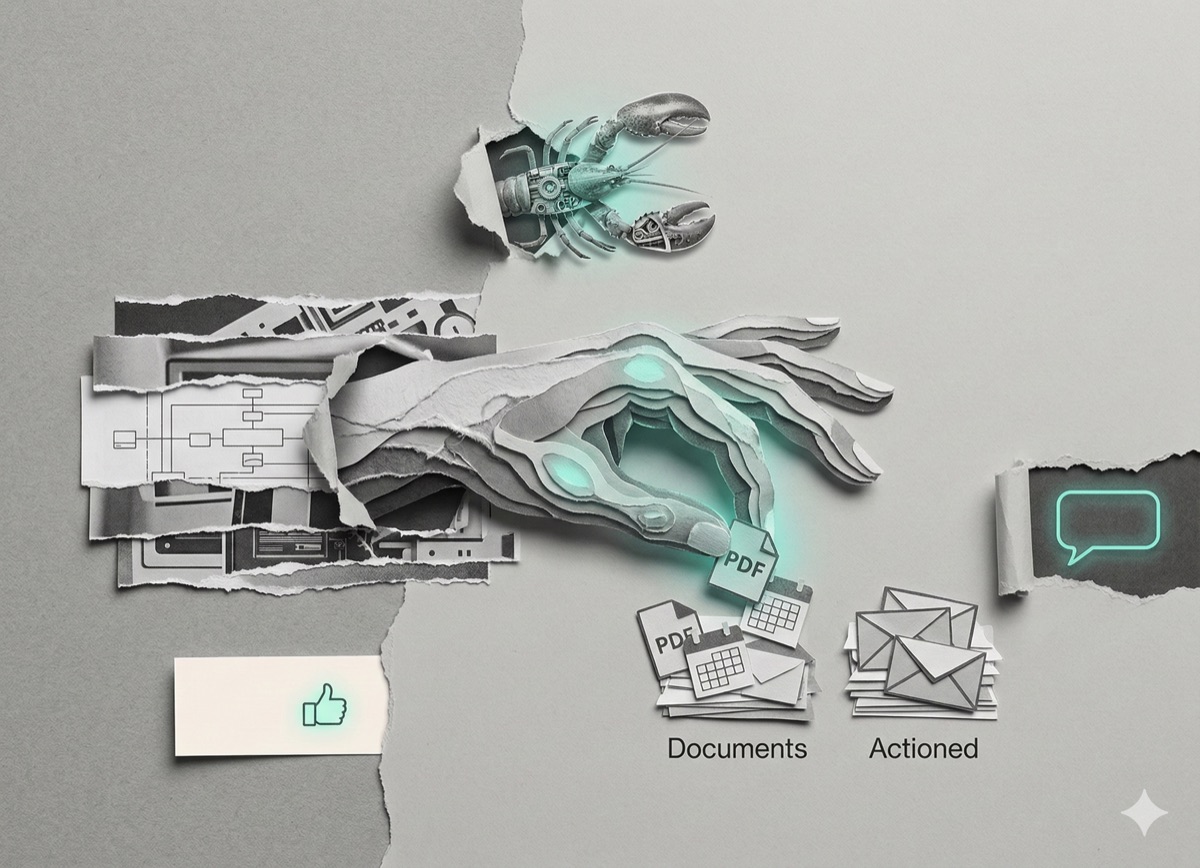
OpenClaw is an open-source AI agent (formerly Clawdbot, then Moltbot) that connects your messaging apps to your computer and executes tasks on your behalf. You send a message through WhatsApp, Telegram, iMessage, Discord, Slack, or Signal. The agent processes the request and acts - moving files, sending emails, running browser tasks - rather than just describing how those things could be done.
The architecture has three components:
- The Gateway - a local program running on your computer that bridges your messages to the AI model
- The AI model - Claude (Anthropic), GPT-4o (OpenAI), Gemini (Google), or Grok (xAI); your choice
- Your apps and file system - what the agent actually interacts with
Everything runs locally by default. No corporate server stores your conversations unless you configure it to do so.
| Standard AI (ChatGPT, Claude.ai) | OpenClaw |
|---|---|
| Answers questions | Executes tasks |
| Requires you to open it | Can message you first |
| No memory between sessions | Builds context over time |
| No file or app access | Controls files, browsers, and apps |
| Free or subscription | Requires Claude/OpenAI API key + server |
Why Did OpenClaw Change Its Name Three Times?
OpenClaw launched as Clawdbot in November 2025 - a pun on Claude, Anthropic's AI model. Anthropic issued a trademark request, prompting a rebrand to Moltbot in January 2026. A subsequent wave of account hijackings and crypto scams associated with the Moltbot name forced a second rebrand. As of January 30, 2026, the project is officially OpenClaw. The creator described the transition as "the lobster sheds its shell for the third time." Much of the community continues to use whichever name they prefer.
What Can OpenClaw Actually Do?
What works immediately after setup
These features require no additional configuration:
- File management - organize downloads folders, find files by type or date, sort images
- Basic research - summarize articles, pull the latest news on a topic
- Simple automation - set reminders, monitor a website for changes, run scheduled backups
- Text processing - summarize documents, extract key points from transcripts, convert data formats
What requires setup time
Advanced workflows - the kind shared on social media - take hours of configuration, not minutes. One documented user cleared 10,000 emails overnight after spending hours building custom filtering rules. Another rebuilt a website via Telegram chat, but already had years of web development experience.
Advanced capabilities require:
- API keys from third-party services
- Custom skill configuration and testing
- Ongoing maintenance as APIs and websites change
How Does OpenClaw's Memory and Proactive Messaging Work?
OpenClaw retains context across conversations. It remembers your preferences, previous requests, and details you've mentioned in prior sessions - unlike standard chatbots that reset with each new conversation.
It also initiates contact. Rather than waiting for you to open an app, OpenClaw can send you unprompted updates:
- "You have 3 urgent emails and a meeting in 20 minutes."
- "That stock you're watching just dropped 5%."
- "Weather is bad tomorrow - you may want to reschedule."
This proactive behavior is configurable and opt-in.
What Are OpenClaw Skills?
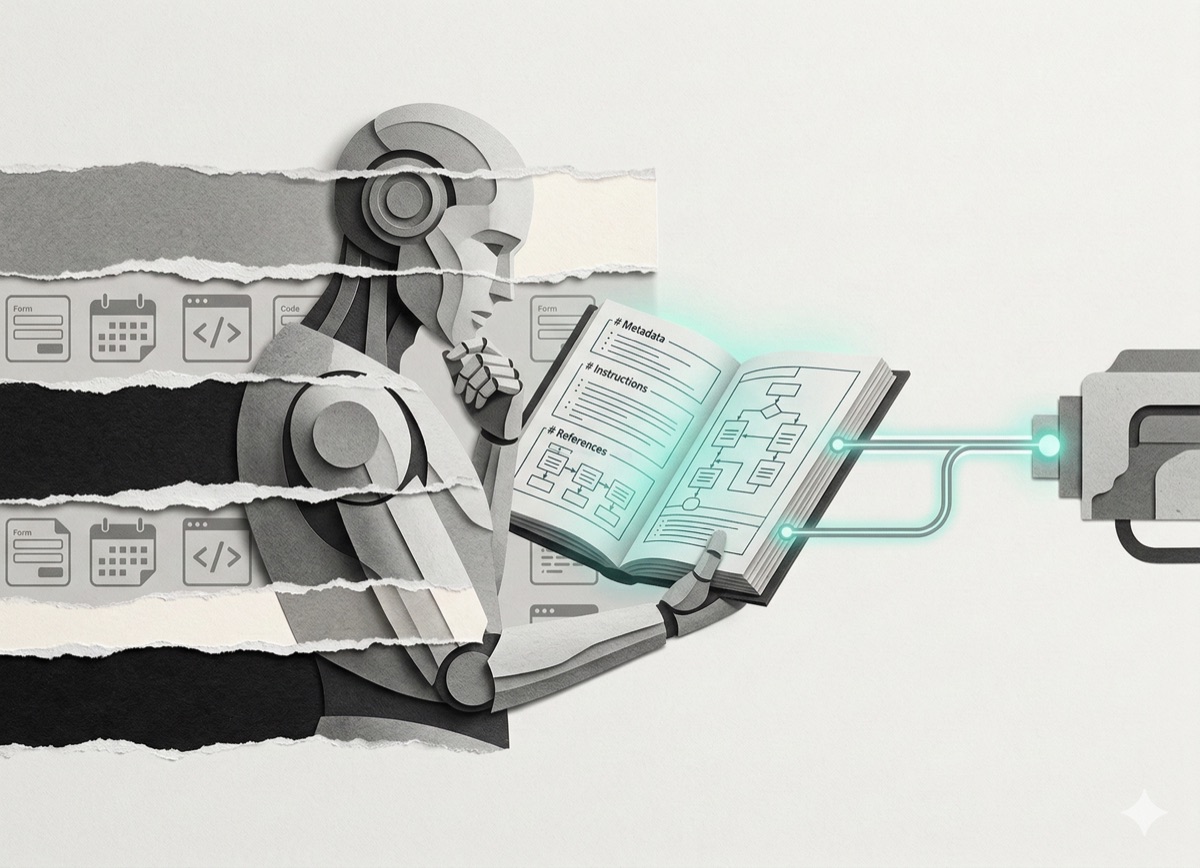
OpenClaw Skills are small instruction sets that extend what the agent can do. The term refers to modular capability packages, similar to plugins.
Three sources for skills:
- Built-in - file management, web browsing, calendar access ship with the base install
- ClawdHub - a public community library with skills for Fitbit, Todoist, Obsidian, Notion, GitHub, Trello, and others
- Self-generated - OpenClaw can write and install its own skills when asked to do something it cannot yet do
A documented example: a user asked OpenClaw if it could access their university course schedule. OpenClaw responded that it could not, then offered to build a skill for it, wrote the code, installed it, and began using it - within a single Telegram conversation.
Self-generated skills work reliably for simple integrations. Complex third-party APIs still benefit from human guidance.
What Does OpenClaw Cost to Run?
OpenClaw does not require specialized hardware. The minimum setup:
- A $5/month cloud server (e.g., DigitalOcean, Hetzner) or your own computer
- Node.js installed
- An API key from Anthropic (Claude), OpenAI (GPT-4o), Google (Gemini), or xAI (Grok)
Local models are supported for users who want complete offline privacy. You do not need stacked Mac Minis or a Raspberry Pi cluster, despite what some viral setup photos suggest.
Is OpenClaw Safe to Use?
OpenClaw's own documentation states that perfect security is impossible when running AI with this level of system access.
This is a deliberate tradeoff, not a hidden flaw. When you grant OpenClaw access, it can:
- Read and move files
- Send emails on your behalf
- Control your browser
- Run programs
Reported real-world failure: One user's OpenClaw misinterpreted a response and escalated a dispute with their insurance company (Lemonade Insurance) without intended authorization. The insurer reopened the case as a result - in this instance, a net positive outcome, but an illustration of how misinterpretation can trigger real-world consequences.
Recommended approach for new users: Start with low-stakes, reversible tasks. File organization and research tasks carry minimal risk. Expand access gradually as you build familiarity with the system's behavior.
Who Should Use OpenClaw?
Good candidates
- People comfortable experimenting with new software
- Users with repetitive digital tasks (email triage, file sorting, research compilation)
- Those willing to invest setup time for long-term automation gains
- People who want AI automation without sending data to third-party servers
Not yet ready
- Complete beginners to computers or command-line tools
- Anyone expecting instant, no-configuration advanced automation
- Users in regulated industries with strict IT or data policies
- People unable to troubleshoot basic Node.js or API issues
How Do You Get Started with OpenClaw?
OpenClaw runs on Mac, Linux, or Windows with WSL2.
Step 1: Verify requirements
Confirm you have Node.js installed and an active API key from Anthropic, OpenAI, Google, or xAI.
Step 2: Install
Visit docs.openclaw.ai and run the quickstart guide and onboarding wizard.
Step 3: Start with one task
Do not automate your entire workflow on day one. Pick one low-stakes, repetitive task - "organize my downloads folder" - and validate it works correctly before expanding.
Step 4: Join the community
The Discord server is active. The GitHub repository accepts contributions. Others have documented solutions to the problems new users typically hit.
Frequently Asked Questions About OpenClaw
What messaging apps does OpenClaw work with?
OpenClaw supports WhatsApp, Telegram, iMessage, Discord, Slack, and Signal.
Do I need to keep my computer on for OpenClaw to run?
Yes, unless you host the Gateway on a cloud server, which runs independently of your personal machine.
Can OpenClaw use any AI model?
Yes. It is model-agnostic and supports Claude, GPT-4o, Gemini, Grok, and local offline models.
What is ClawdHub?
ClawdHub is the community skill library for OpenClaw, where users publish and share capability extensions for specific apps and services.
Why is it called OpenClaw now?
The project renamed twice due to a trademark request from Anthropic (affecting the original Clawdbot name) and then rebranded again after the Moltbot name became associated with crypto scams and account hijackings.
The Bottom Line on OpenClaw
OpenClaw represents a meaningful shift in how AI assistants work: from tools that describe actions to tools that complete them. The learning curve is real - first automations take hours, not minutes - and ongoing maintenance is required as external APIs evolve.
The core value proposition holds up: a local, model-agnostic AI agent that acts on your behalf across your files, apps, and communications, controllable through any messaging app you already use.
For technical users willing to invest setup time, the productivity return is well-documented by the community. For non-technical users, patience and a willingness to troubleshoot are prerequisites.
Start at: docs.openclaw.ai
Community: Discord (link via docs) · GitHub · Twitter/X @moltbot
If you found this useful, I send one like it every week.
Subscribe free → - Lucija Tomšić · brisk.vision