Workflows.
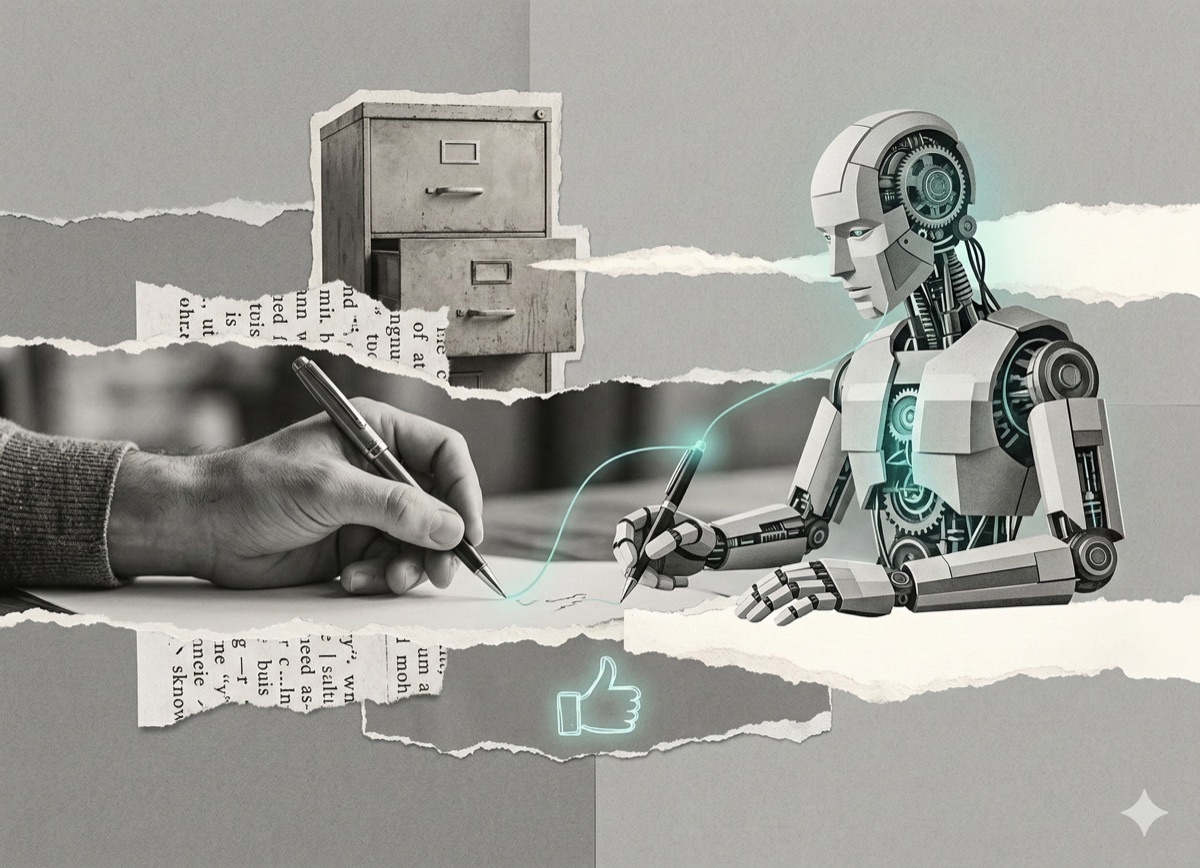
You're copy-pasting prompts into your AI tool. That's not wrong. But it's not a system.
You open Claude. You paste a prompt. You get an answer. You close the tab.
That's prompting. It works. I did it for months. I still do it for the fast stuff.
But there's a ceiling to it, and at some point you hit it. Not with a crash - more like a slow friction. You realize you've explained your writing style to Claude eleven times. You realize the output was great last Tuesday and mediocre today and you can't tell if it's the model, or you, or both. You realize the thing you need most isn't a better prompt. It's a system that doesn't depend on you remembering to do it right.
That's the difference between prompting and a workflow. And once you see it, you can't unsee it.
What is the difference between AI prompting and an AI workflow?
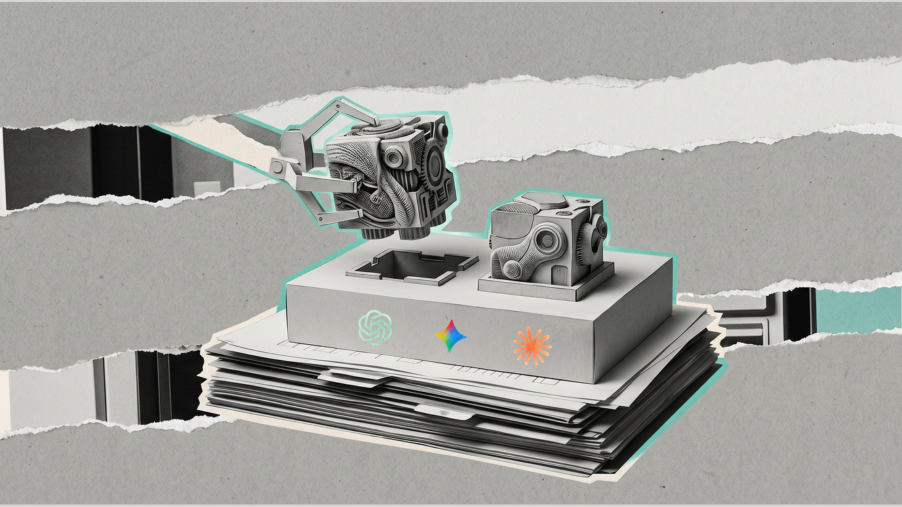
Prompting is reconstructive. Every time you need an output, you rebuild the context from scratch - your saved instructions, the background the tool needs, whatever you can remember from the last time it worked well. Output quality isn't just a function of the prompt. It's a function of how well you reconstructed it today.
There's a second variable nobody talks about: the model itself. Claude updates. ChatGPT updates. Anthropic and OpenAI run background experiments. The tool you used on Monday is not quite the same tool you're using on Friday. You feel it in your outputs before you can say what changed.
This applies equally across tools - ChatGPT, Gemini, Claude. Same ceiling at the prompting level. The moment you need consistency, repeatability, or anything that touches a tool outside the chat window, you've outgrown what prompting alone can do.
An AI workflow removes both variables. The instructions are saved. The system runs. You read the results.
What does the AI workflow spectrum look like?
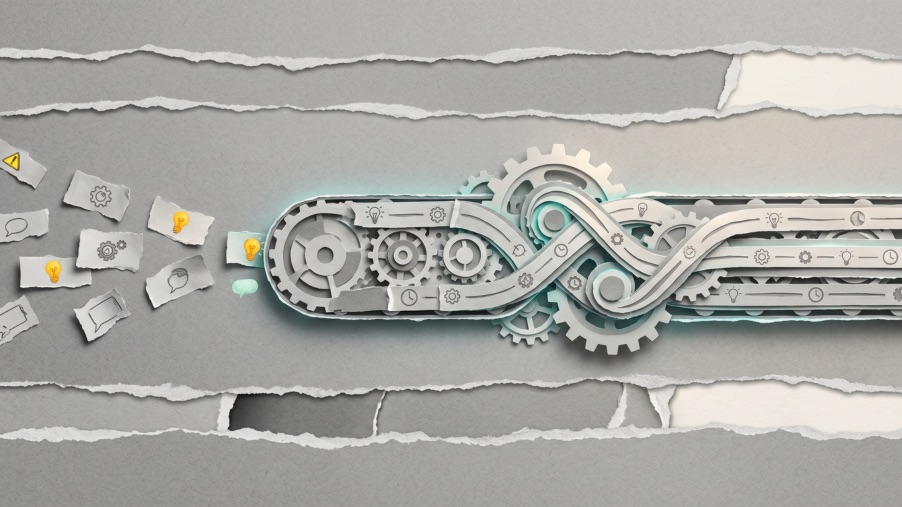
The spectrum has three levels: Prompt - Skill - Scheduled workflow.
A prompt is a single request. Every time you need the output, you make the request again. This is where most people live.
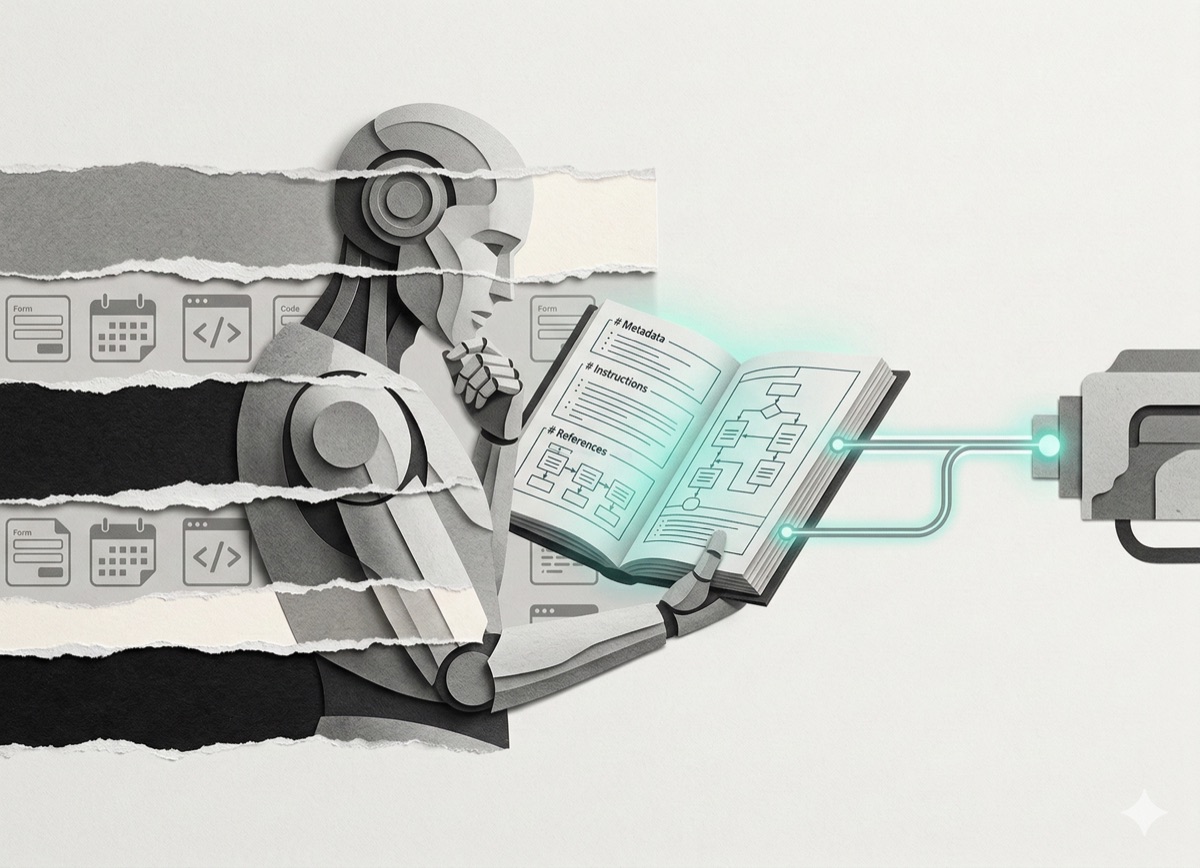
A skill is a saved instruction set inside Claude. When you use one, Claude already knows the job before you type anything - the format, the context, the constraints, the things you always want and the things you never want. You don't reconstruct the instructions. You just start. Skills work in Claude chat only. No Pro subscription required.
A scheduled workflow runs on a timer or trigger, moves data across tools, and produces output without you initiating it. Two types matter:
- Cowork routines - run in the cloud. Laptop closed, machine off, they still run. Connects to Gmail, Notion, Slack via Claude Connectors. Requires Claude Pro + desktop app.
- Cowork scheduled tasks - run locally. The desktop app must be open when it fires. More flexibility for local files, but tied to your hardware. If you want something running at 3am, use a routine - not a scheduled task.
How do Claude Connectors change what workflows are possible?
Claude can connect to Gmail, Notion, Slack, and other tools via Connectors - pulling data in, pushing outputs out, triggering actions across your actual stack without you touching anything.
If a tool isn't in the directory, you're not stuck. Find the tool's MCP (Model Context Protocol) server URL in its documentation or developer settings, paste it under Add custom connector, and you're in.
This matters beyond automation. When Gmail became connectable, a whole category of workflows appeared that couldn't exist the week before. Not just automating things you already do manually - entirely new workflows you'd never have thought to build because they had no path to existing before.
Three real AI workflows from my stack
The Substack content engine
I built a system that scans 125 of my past Substack Notes, scores them against engagement metrics, and ranks them by format. The finding: personal_story format is 3.8x overrepresented in the top-performing quartile. Not a hunch - a pattern in the data.
From that, 21 draft posts were generated and pushed automatically to my Notion database - formatted, prioritized, ready. Any database works here, not just Notion.
The difference from prompting: I never sit down and ask "what should I write next?" The system answers that question on a cadence, independent of my energy or memory. The decision moved out of my head and into a process.
The LinkedIn analytics engine
I built a system that runs hook-lift and timing analysis on my actual LinkedIn post data. The output lives in a live dashboard I check every week. Key findings from my data:
- Admitted weakness framing: 2.88x engagement lift
- AI news without personal stake: 0.28x (nearly invisible)
- Recommended cadence: 9 posts/week, front-loaded Monday-Tuesday with strongest hook types, Sunday personal story to prime the audience
The best times analysis maps optimal posting slots by timezone and day-of-week quality - based on what actually happened in my own data, not someone else's generic "best time to post on LinkedIn" article.
I'm not asking "was this post good?" I'm running the same analysis framework against fresh data on a cadence and reading the results. One is a question. The other is a system.
The newsletter scanner
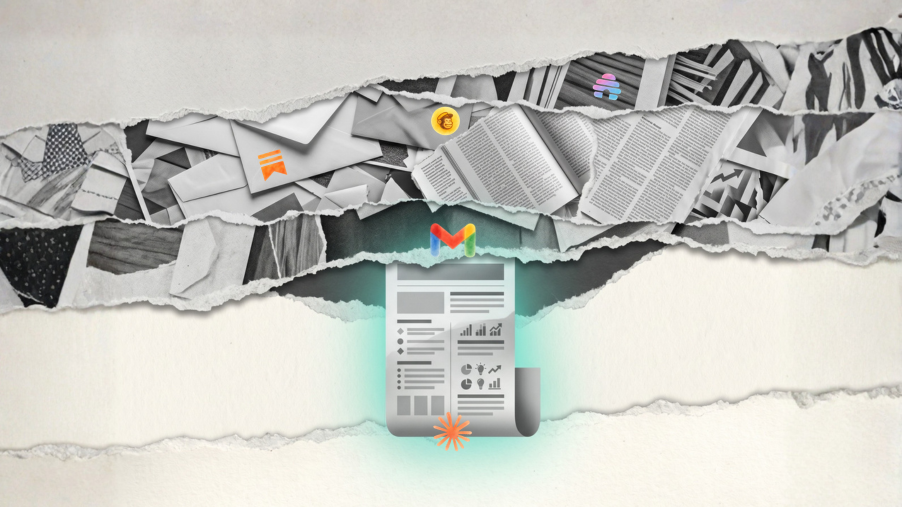
This Cowork scheduled task scans and summarizes newsletters landing in my inbox on a schedule, so I stay informed without spending time on triage. Run it as a Cowork routine if you want it in the cloud while your machine is off.
But here's what makes it the most instructive example: I didn't know I needed it. The need wasn't visible because the workflow couldn't exist until connectors existed. You can't tell Claude "scan my inbox" through a plain prompt - it has no access. The moment Gmail became connectable, that workflow appeared from nothing.
I covered the full setup in a separate post: How I automated my newsletter reading with Claude.
How do you choose where to start with AI workflows?
One question picks the right path:
Does it need to run without you, and does it touch external tools?
Start with a Cowork routine. Runs in the cloud, works with the laptop off, connects to your actual stack. Most powerful entry point - also most setup. Requires Claude Pro + desktop app.
Does it need a schedule but only touches local files?
Use a Cowork scheduled task. Same subscription requirements, runs on your machine. The laptop must be on when it fires.
Is it a repeating task that doesn't need a schedule?
Start with a skill. Claude chat only, no Pro subscription required. Build the instruction set once - it's there every time. This is the lowest-friction entry point and the right place for most people to begin.
The shift from prompting to workflows isn't a technical shift. It's an organizational one. You're not learning to code. You're learning to think about your work as a repeatable system before you open the tool. That's it. Everything else is just setup.
Pick the task you use AI for most this week. One question: does it need to run without you, or does it just need to remember itself? That answer tells you where to start.
Sources and further reading
- Anthropic Claude Cowork documentation - Claude.ai Help, 2026
- How I automated my newsletter reading - brisk.vision, 2026
- Tool-agnostic AI setup - brisk.vision, 2026
- Claude Code for non-coders - brisk.vision, 2026
If you want to see one of these workflows broken down step by step, I do that every week in The Kitchen - brisk.'s free newsletter at brisk.vision.
If you found this useful, I send one like it every week.
Subscribe free → Lucija Tomšić · brisk.vision